

Description
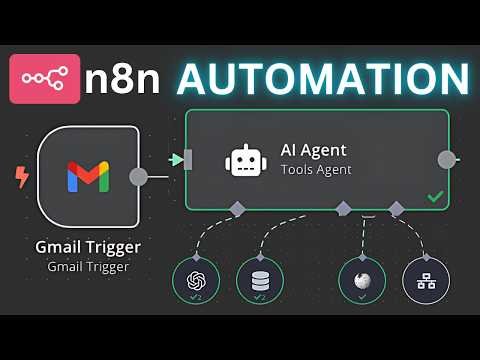
This template works through the n8n automation platform, which allows different applications to connect and perform automated tasks. After importing the template into your n8n dashboard, you only need to connect your Gmail account and configure a few settings. Once activated, the workflow runs automatically in the background and handles email activities based on the conditions you define.
Automatic Email Sending
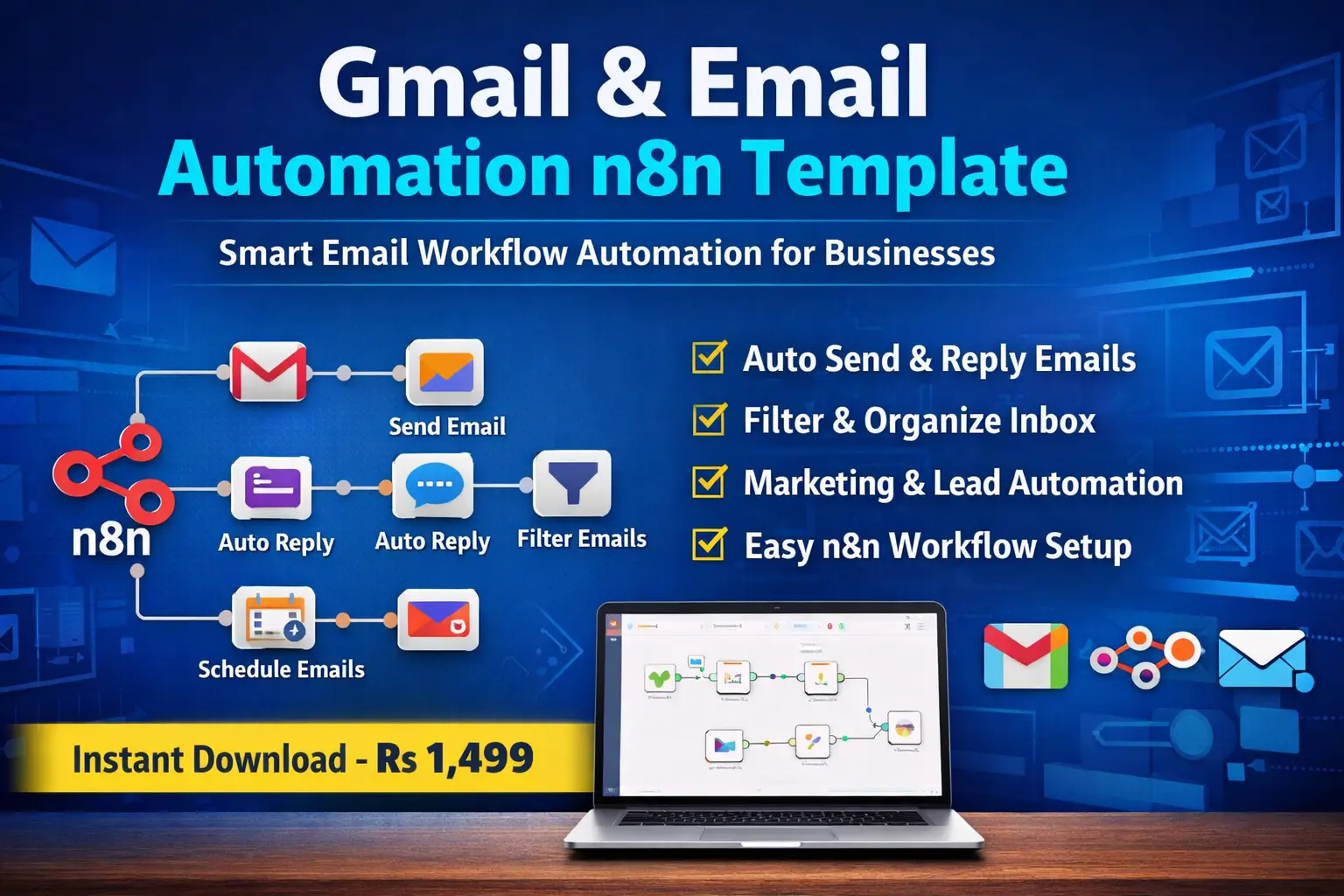
With this template you can automatically send emails to customers, leads, or subscribers. Businesses often need to send welcome emails, confirmation messages, or follow-up emails. Instead of writing and sending each message manually, the automation system sends emails instantly whenever the defined trigger occurs.
Smart Auto Reply System
One of the most useful features of this template is the automatic reply function. When someone sends you an email, the workflow can detect the message and send a predefined response automatically. This feature is especially helpful for customer support, business inquiries, or frequently asked questions because it ensures that people receive quick replies even when you are not available.
Email Filtering and Organization
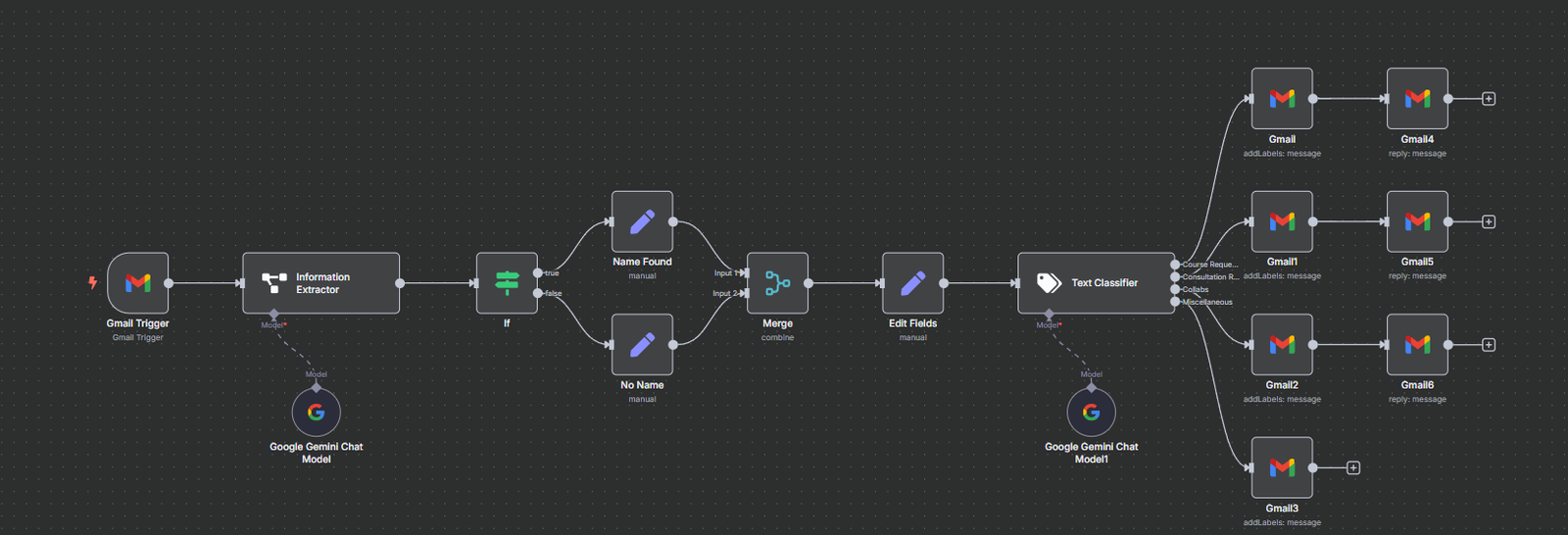
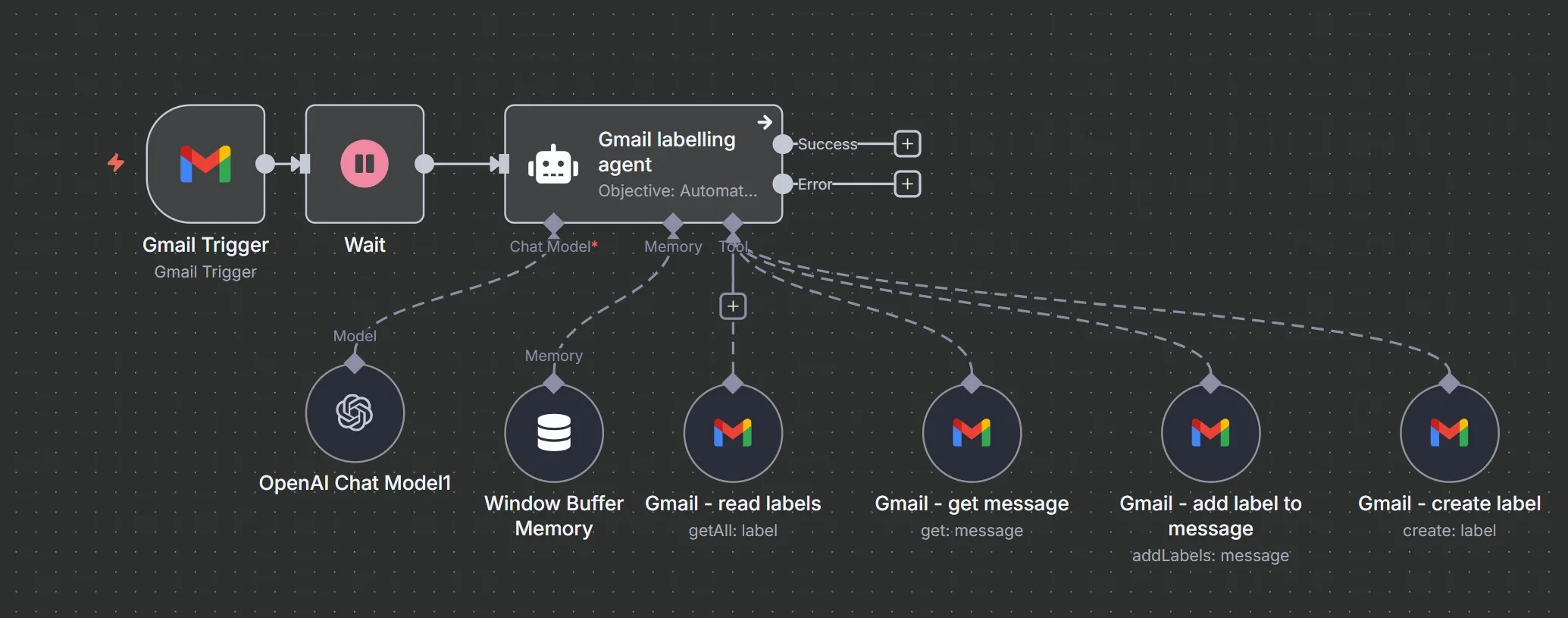
The automation template can also help keep your inbox organized. Emails can be filtered according to sender, keywords, subject lines, or other conditions. This allows the workflow to categorize messages, apply labels, or trigger actions based on the type of email received. As a result, your inbox becomes more structured and easier to manage.
Useful for Marketing and Business Communication
Digital marketers and online businesses can use this template to automate outreach campaigns and follow-up emails. Leads who contact your business can receive instant responses, which improves engagement and builds trust. Automation also ensures that no important email is missed.
Who Should Use This Template
This template is designed for a wide range of users who want to automate email communication. Bloggers can use it to handle reader emails. Freelancers can manage client communication more efficiently. Digital marketers can automate lead responses and outreach campaigns. Business owners can streamline customer support and notification emails. Developers who use automation tools can also integrate this template into larger workflows.
Simple Setup Process
Setting up the Gmail & Email Automation n8n Template is simple and beginner-friendly. You only need to import the workflow file into your n8n automation dashboard. After that, connect your Gmail account, configure the automation rules, and activate the workflow. Once it is activated, the system will automatically handle your email tasks according to the defined triggers.
What You Will Receive
After purchasing this digital product, you will receive a ready-to-use n8n workflow template file. You will also get instructions that guide you through the setup process so that you can quickly connect the template with your Gmail account and start automating your email system.
Instant Digital Download
This product is a digital download, which means you will receive the template file immediately after completing your purchase. No physical product will be shipped. You can download the file, import it into n8n, and begin using the automation system right away.
Benefits of This Template
Using the Gmail & Email Automation n8n Template helps save time by eliminating repetitive email tasks. It improves productivity by allowing your workflow to run automatically in the background. It also ensures faster communication with customers, leads, and clients while keeping your inbox organized.
Reviews
There are no reviews yet.